
One sentence in. A finished change out.
Ride along with one request, from the moment you type it to the moment it lands. Two minutes, eight stops.
It plays by itself. Use the stops below to steer.
Super intelligence for software delivery.
In the environment you choose.
One workflow engine, from Discover to Deliver. Kepler Pulse for private AI. Powers for your organisation’s expertise. Run on your machine or private infrastructure, with the configuration your team needs.
Auto-pilot + Co-pilot. Two ways to steer the same crew.Ride along with one request, from the moment you type it to the moment it lands. Two minutes, eight stops.
It plays by itself. Use the stops below to steer.
Describe the outcome in your own words. Try it here: this request rides with you for the rest of the tour.
Kepler reads before it writes. Your code, your request, and anything you connected.
Co-pilot: Kepler can stop here until you say go.
The steps and the risks are written down before any code changes.
Co-pilot: read the plan and approve it before anything changes.
Light depth leaves this stage out. Pick Medium or Deep to get a written plan.
The change is made, piece by piece, on its own branch. Your main code stays as it is.
Co-pilot: look at what was built before it is tested.
Kepler tests its own work in a real browser and shows you the pictures.
Co-pilot: see the proof before it is handed over.
Light depth leaves this stage out, so a Light run has no screenshots.
You get a branch and a pull request. Nothing ships without you.
Co-pilot: the last stop is yours too.
The live tour. It plays by itself; use the stops to steer.
 See it in motion
The work keeps its context
From the first question to the final review.
One place to understand, act, and see the evidence.
01 / Kepler Powers
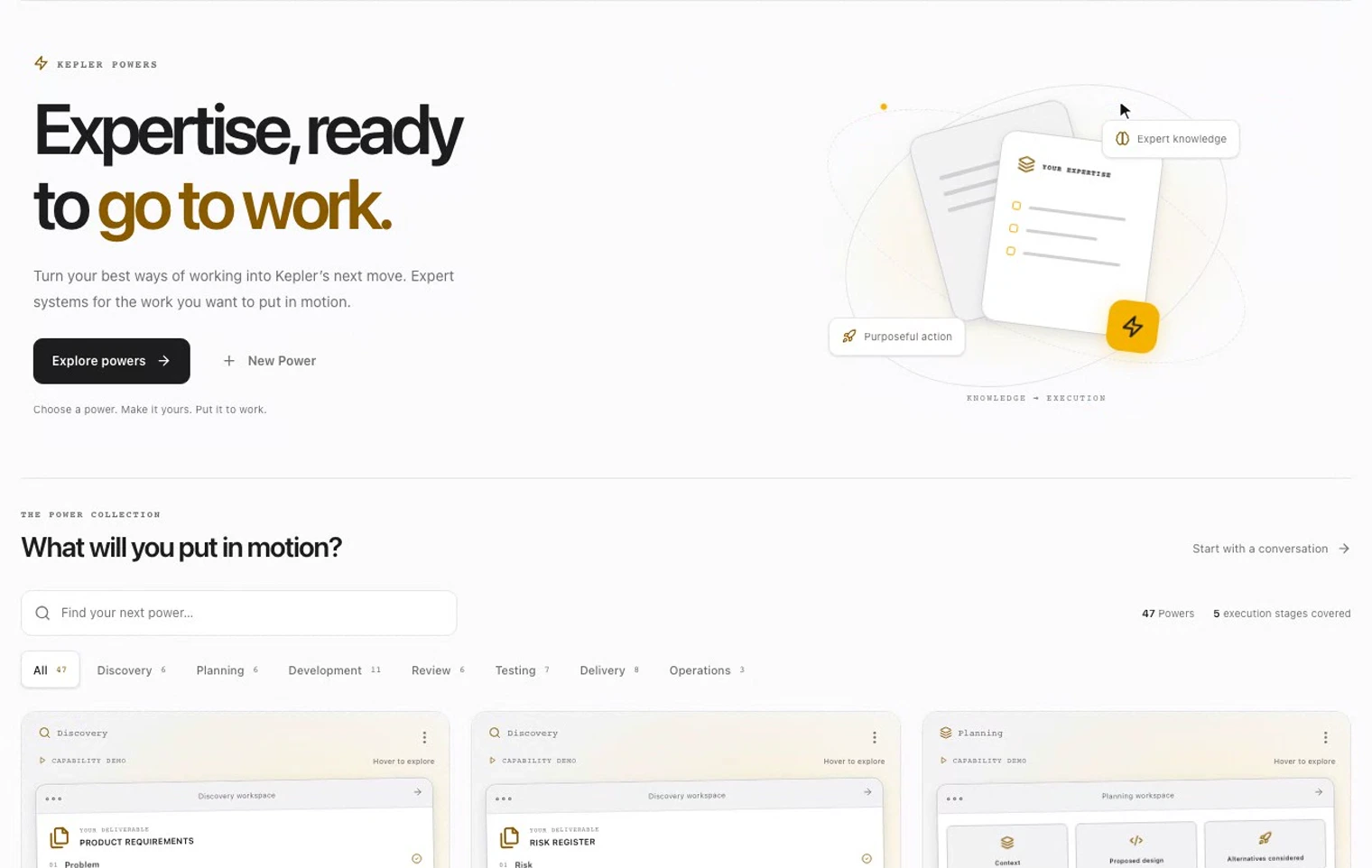
A Power is a reusable expert system: the method, context, and standards that guide Kepler’s work. Choose one, make it yours, and put it to work.
Full-Stack App
Shape the interface, API, and persistent data around the journeys your users need.
Architecture → implementation → tested journeysEnd-to-End Test Automation
Turn acceptance criteria into executable browser tests for your critical journeys.
Acceptance criteria → tests → evidenceDeployment Pipeline
Define the path from a tested commit to deployment, verification, and rollback.
Build → release checks → recoveryA few ways to begin. The full collection lives inside your workspace.
Find your first Power02 / Kepler Pulse
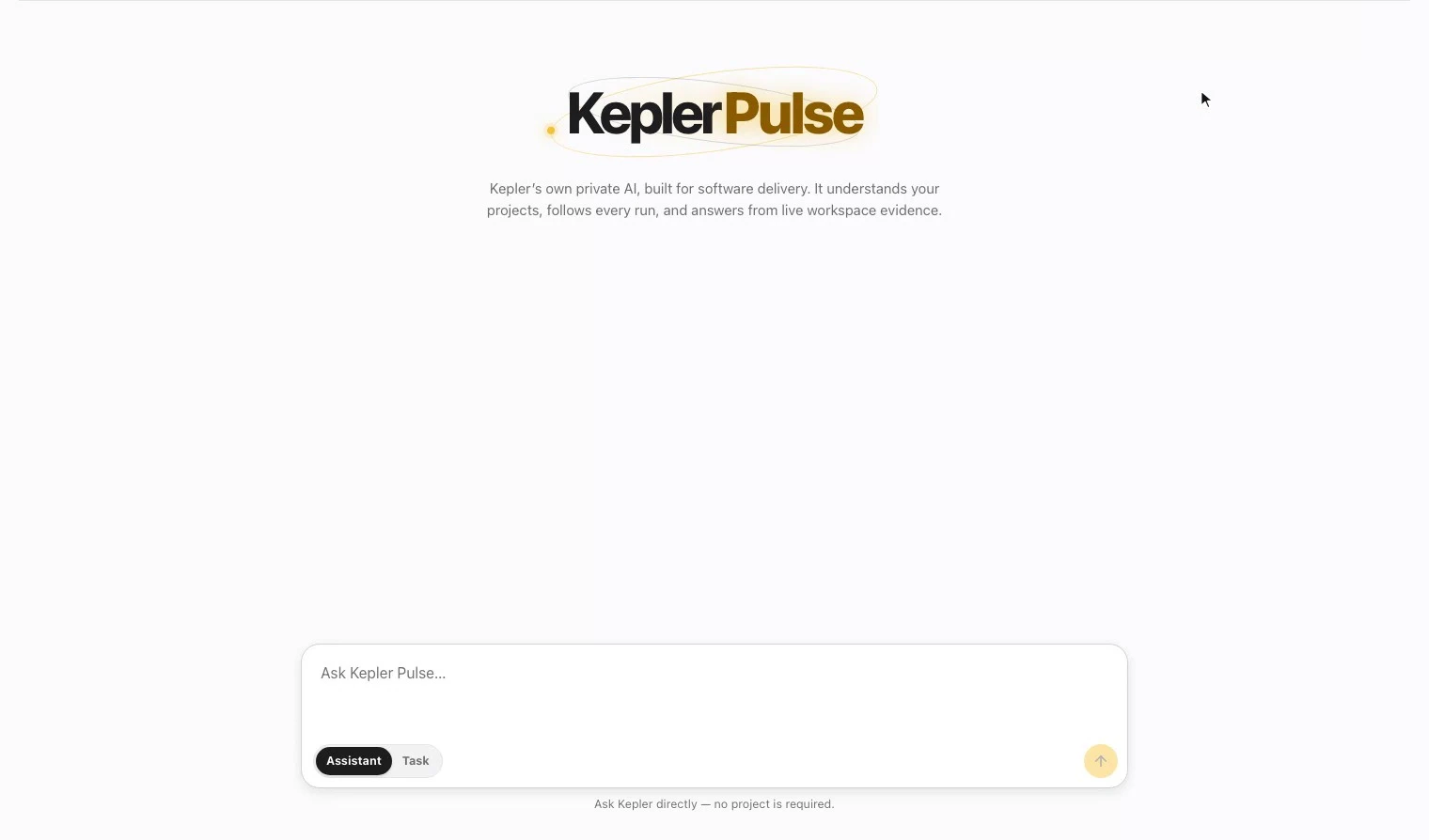
Private AI, inside your chosen environment.
Bring questions about your projects and runs to the AI inside your configured deployment and workspace context. Pulse brings the conversation and live workspace evidence together.
03 / One engine. Two control modes.
The same autonomous workflow engine owns all five stages. Auto-pilot carries it through; Co-pilot brings you in at review points. Choose the control mode that fits the work.
Auto-pilot runs all five stages end to end. Follow the activity and inspect the recorded decisions as the work progresses.
Understand the request, the repository, and the constraints.
Review pointMake the approach, steps, and risks explicit.
Review pointImplement the change in the context of your project.
Review pointReview the work and test it against the goal.
Review pointBring the result and its evidence back for delivery.
Review pointThe same visible workflow, from first context to delivery evidence.
Take the tour04 / Work you can follow
Projects keep the context. Runs keep the story. Activity, artifacts, and review decisions help you understand what happened and what needs your attention.
Move from a project to its conversations and runs without starting over.
Follow the stage, inspect tool activity, and open the evidence behind the work.
In Co-pilot, review key decisions before the crew carries on.
05 / Your environment
Bring super intelligent delivery into the environment your team trusts.
Run end to end on your machine or private infrastructure, as configured. Choose model connectivity, controlled access, and isolated execution boundaries for your operating requirements.
Talk about your environment Read our security approachBefore you begin
A reusable expert system that gives Kepler a method to follow. Powers can include instructions, structured sections, and standards for work such as planning, building applications, testing, or delivery. The collection and customization tools live inside AiChargeLabs Kepler.
Auto-pilot carries a task through the five stages end to end. Co-pilot pauses at configured review points, so you can review key decisions before work continues. Both make the work visible.
Pulse is Kepler’s private AI for software delivery. It answers questions about the product, your projects, and your runs using available workspace evidence. Choose Assistant to ask a question, or Task to start work.
Four monthly plans: Plug In with your own AI, or Spark, Surge and Overdrive with AI included and 100M, 200M or 400M tokens a month. Token use counts against the limit on your key; when it is reached, an API plan is available to keep working, and the next paid month resets it. Buy from this site and your licence key comes by email. See Pricing for the current prices.
That skill is yours: you or another tool wrote it, not Kepler. Kepler never changes it on its own. A suggested update waits in Powers, under Installed Skills, until you approve or reject it. Skills Kepler creates for your projects are Kepler's own, so those update as your work runs, with a notification each time.
Private deployment is part of the AiChargeLabs Kepler offering. Tell us about your environment so we can confirm the setup, model connectivity, and access requirements for your team.